
Imagine this: You wake up, and your WhatsApp suddenly logs you out. A message says: “Your phone number is no longer registered on this phone.”
You try to log back in, but you can’t. The hacker has taken over your account and is now messaging your mom, your boss, and your group chats asking for money.
This happens to thousands of people every day. It usually happens because a scammer stole your SMS code (OTP).
But there is one setting that makes you hack-proof.
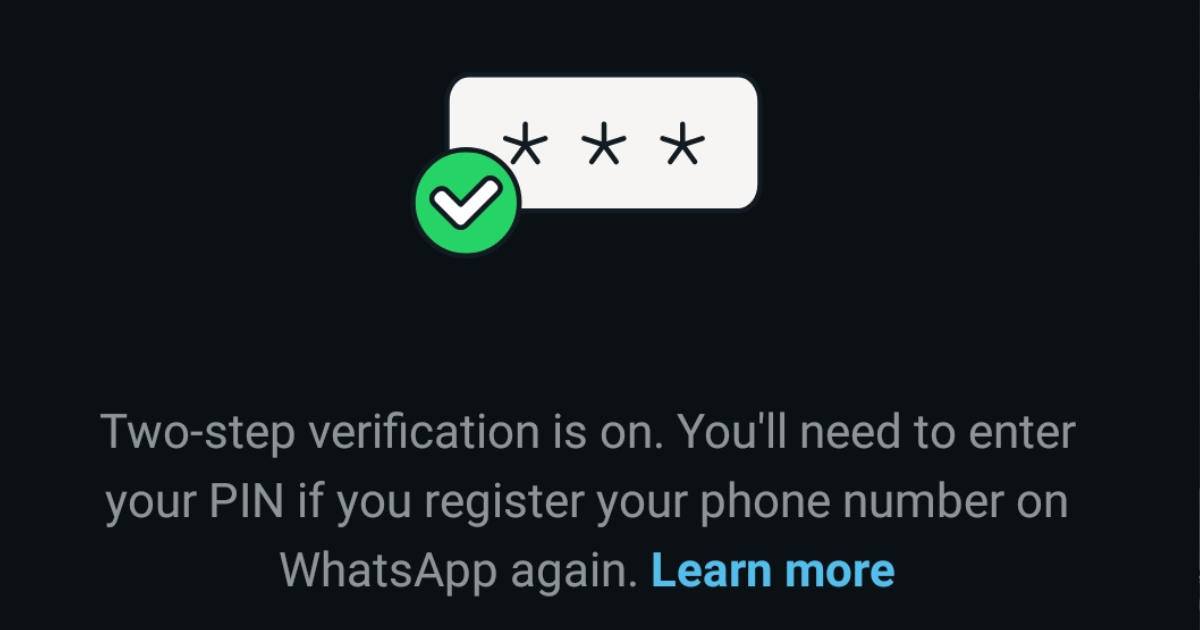
It is called Two-Step Verification (2FA). It works like a second lock on your door. Even if a hacker steals your SIM card or your SMS code, they cannot open your WhatsApp without this special PIN.
1. How to Enable Two-Step Verification on WhatsApp
This is the strongest defense.
Steps:
- Open WhatsApp
- Go to Settings → Account
- Tap Two-step verification
- Tap turn on
- Set a 6-digit PIN: Choose numbers you will remember (like a graduation year or wedding date). Do NOT use 123456.
- Add an Email Address: This is critical. If you ever forget your PIN, WhatsApp will send a reset link here. If you skip this, you could lock yourself out for 7 days!
Now no hacker can log into your WhatsApp even if they steal or clone your SIM.
2. Lock Your SIM Card With a PIN
Every SIM card has a PIN option that most users ignore.
How to set it:
-
Open Phone Settings → Security → SIM Card Lock
-
Turn on Lock SIM Card
-
Enter a PIN (default is usually 0000 or 1234—change it!)
If someone puts your SIM in another phone, they can’t use it.
3. Avoid Sharing Verification Codes
Scammers often pretend to be:
-
WhatsApp support
-
Friends
-
Delivery companies
-
Mobile money agents
They ask for a code “by mistake.”
Never share a 6-digit code with anyone.
4. Block International Calls From Unknown Numbers
SIM swappers often use foreign numbers to trick you.
Activate:
-
Call barring
-
International call blocking
-
Unknown caller block
This reduces scam attempts by 90%.
5. Don’t Click Random WhatsApp Links
Fraudsters send links that install spyware or fake login pages.
If a link looks strange, avoid it — even if sent by a known contact (their account may be hacked).
6. Separate Your SIM for Mobile Money
If possible, have:
-
A main SIM for WhatsApp
-
A different SIM for mobile money
This reduces the chance of losing both your WhatsApp and money in a single attack.
7. Check for Logged-In Devices
WhatsApp Web and Linked Devices can expose your chats.
Check regularly:
-
Go to WhatsApp Settings → Linked Devices
-
Remove any device you don’t recognize
The “Annoying” But Useful Reminder
Once enabled, WhatsApp will occasionally ask you to enter this PIN just to keep it fresh in your memory. Do not be alarmed—this is normal! It’s just the app making sure you haven’t forgotten the key to your digital house.
PesaSmart Verdict: This is the single most important security setting on your phone. If you haven’t turned it on yet, stop reading and go do it right now